- Category
- What's New?
- FightSticks/Pads
- Joysticks
- Pushbuttons
- Spare Parts & Tools
- Hardware & PCB
- Electrical
- Customize
- Merchandise
- Sales & Clearance
- Brand

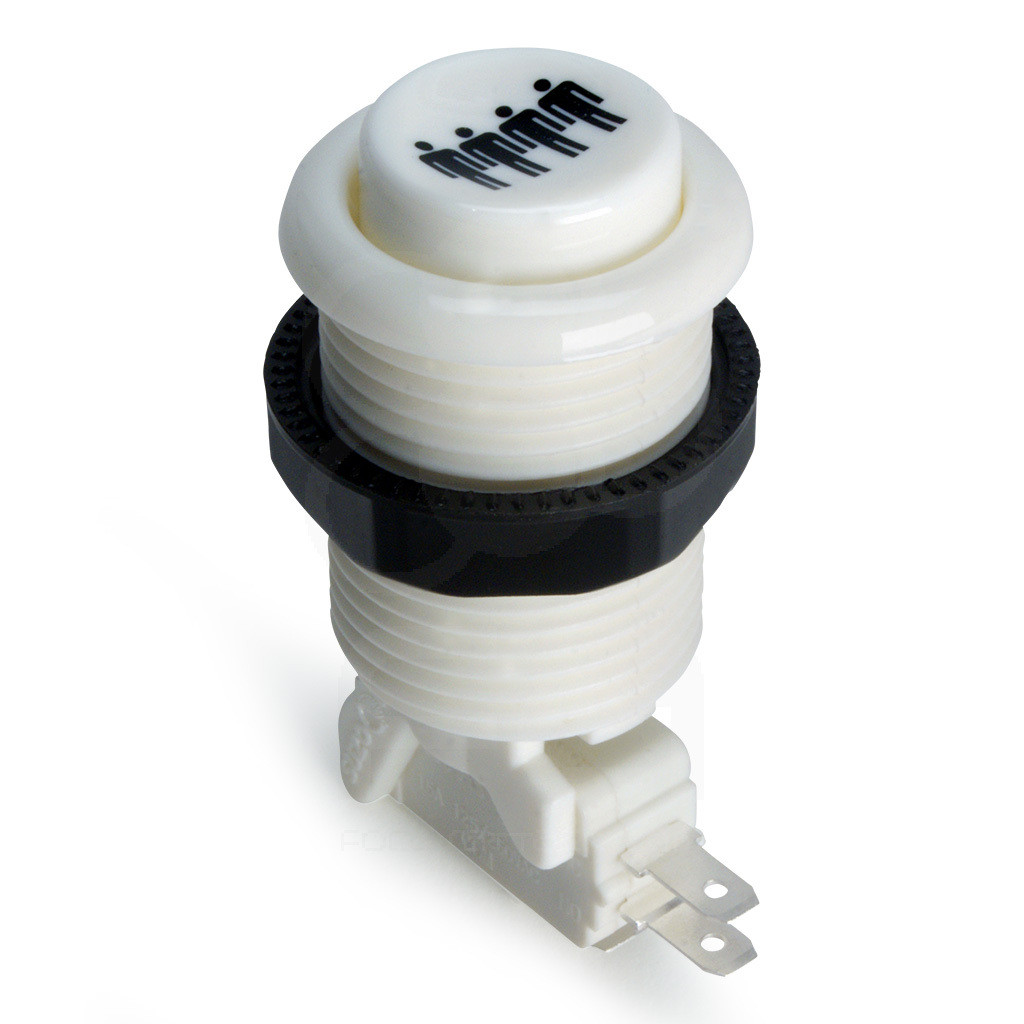
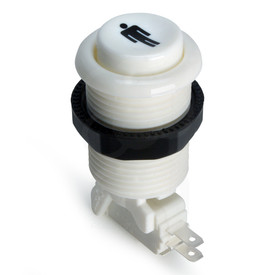
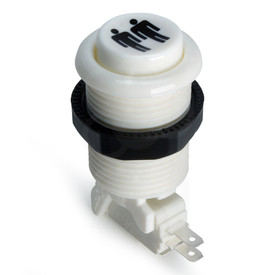
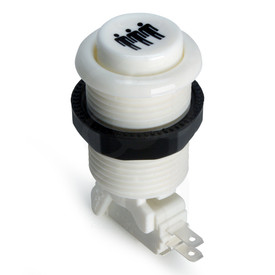
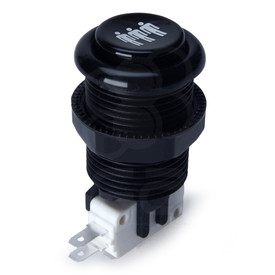
IL PSL-H Concave Long Stem Player 4 Button - White
Price:
$1.95 (USD)
Brand
SKU
IL-PSLCV-PLAYER4-W
Weight
1.00 Ounces
Availability
Ships within 1-2 business days
Shipping
Calculated at checkout

-
Product Description
Important
Cherry is now rebranded to ZF. The ZF switch is supposed to remain the same construction and characteristics as Cherry D44x, only new branding on the physical microswitch. Our inventory may contain a mix of the two brands over the next few months and we are not separating them. We will not honor requests to send only Cherry switches, nor return requests to swap for Cherry. If you want Cherry-brand microswitches, please find another retail store that might have those older units on hand, as they are no longer manufactured. More information

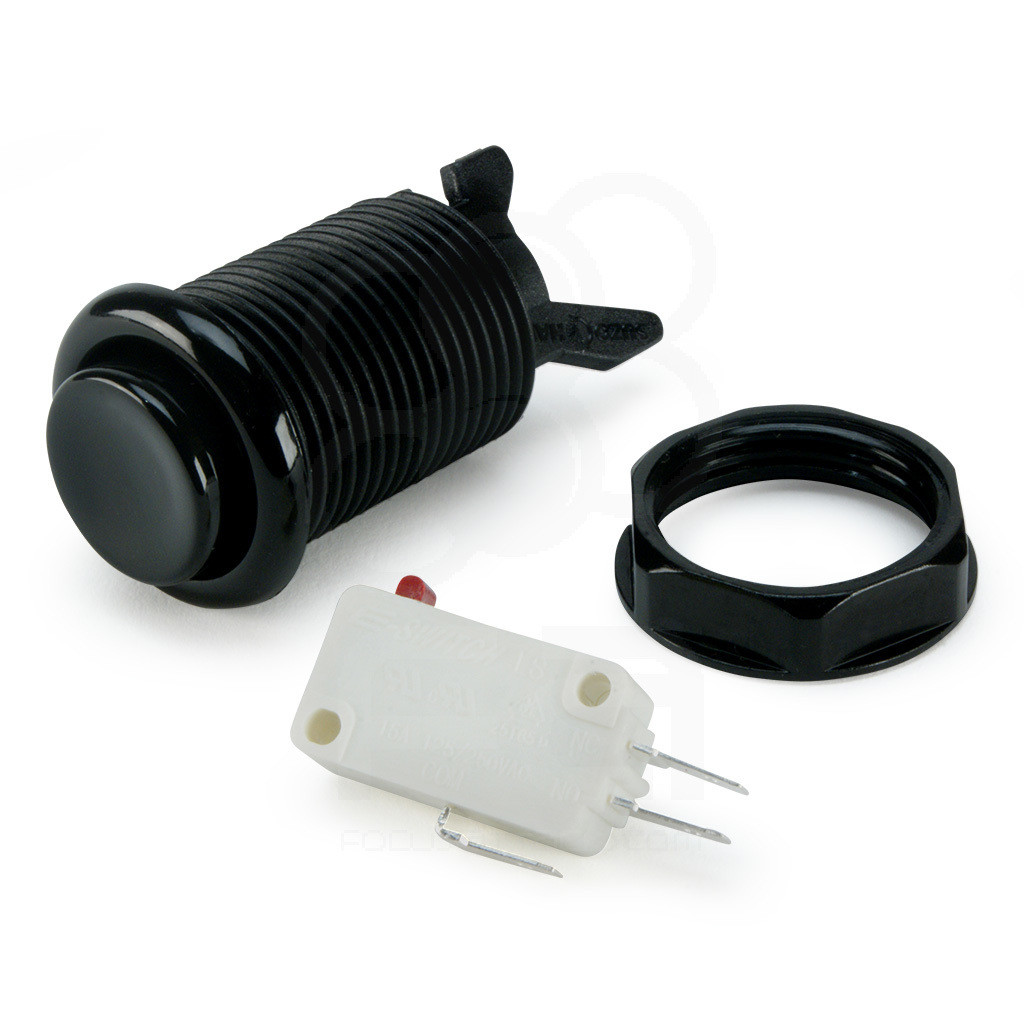
The American/EU styled, concave pushbutton by Industrias Lorenzo (IL) features a long stem body for metal and up to 3/4" wood control panels. Each button ships with nut and switch not attached, but installation of both to the button is very easy.
Player indicator Button
The indicator pushbutton features a universally recognized "Player" icon imprinted atop the concave plunger. You can find this for Player 1 through 4.
Features
- .187" terminal Silver Contact Microswitch Standard
- High quality plastics for durability
- Concave Plunger Design
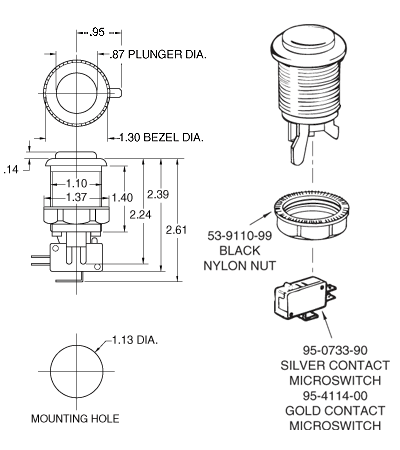
- Fits standard arcade sized 1.125" (1 1/8") hole
- Dimensions: 2.6" L x 1.5" H x 1.5" W
Choose 75g ZF D44X Microswitch or No Microswitch to Save
The arcade-ready ZF D44X 75g .187" Microswitch is included with your purchase, or you can opt-out of a microswitch and get 40 cents off your purchase.
-
Product Reviews
-
Find Similar Products by Category